Game Changer 5 for PC | Download the latest version 2026
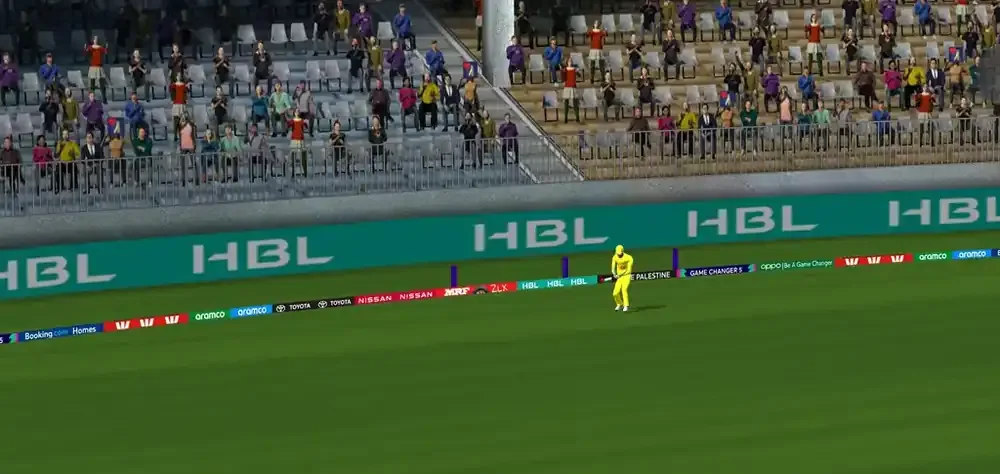
You know what’s better than playing Game Changer 5? Well, it's playing it on the big screen of your PC. It delivers the best gaming experience on a bigger screen with enhanced visuals. So, download it on your PC now and enjoy cricket at its best.
How to download Game Changer 5 on PC (Windows 7/10/11)
Game Changer 5 is an Android game that comes as an APK file, so you can't install it on Windows directly. An emulator is the easiest way to play it on a big screen. Here’s the complete step-by-step installation process:
- Download and launch any reputable emulator on your PC.
- BlueStacks or LDPlayer are the recommended ones.
- Download and install any of them.
- After that, download Game Changer 5 APK for PC from this page.
- Once downloaded, copy and paste the APK file into the emulator.
- Open the APK file and complete the installation process.
- Once done, launch the game and play it on your PC with improved features and gameplay.
System Requirements
| Component | Minimum | Recommended |
|---|---|---|
| Operating System | Windows 7 | Windows 10 / 11 (64-bit) |
| Processor | Intel or AMD x86/x64 processor | Multi-core Intel Core i5 / AMD Ryzen 5 or better |
| RAM | 4 GB | 8 GB or more |
| Graphics | DirectX 11 / OpenGL 2.0 support | Dedicated GPU (NVIDIA GTX 750 Ti or better) |
| Storage | 5 GB free space (BlueStacks) | SSD with 10 GB+ free space |
| Virtualization | Enabled in BIOS | Enabled in BIOS |
| Other | Administrator access, updated graphics drivers | Stable internet connection |
Features of Game Changer 5 PC
Some key features of the game include:
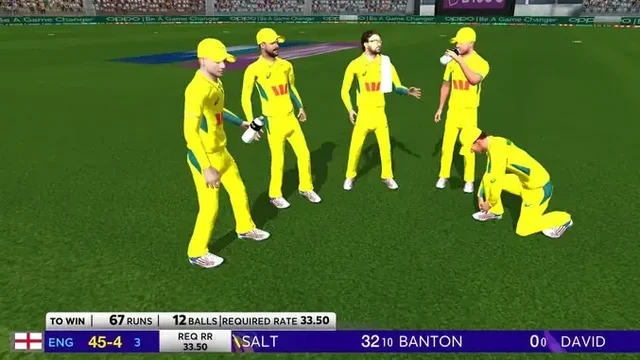
Peak Cricket Experience
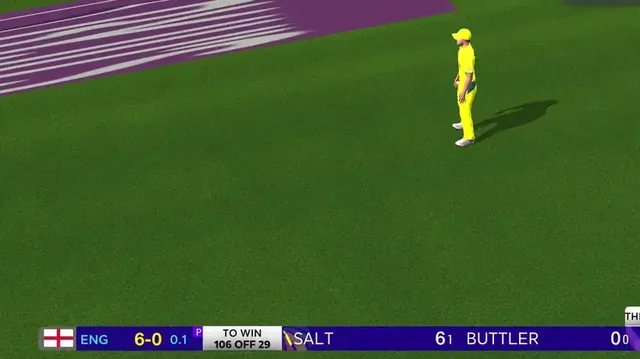
The game ensures that gamers get the ultimate cricket experience on large screens. The 3D stadiums, real teams and players, and even game mechanics ensure that no one misses out.
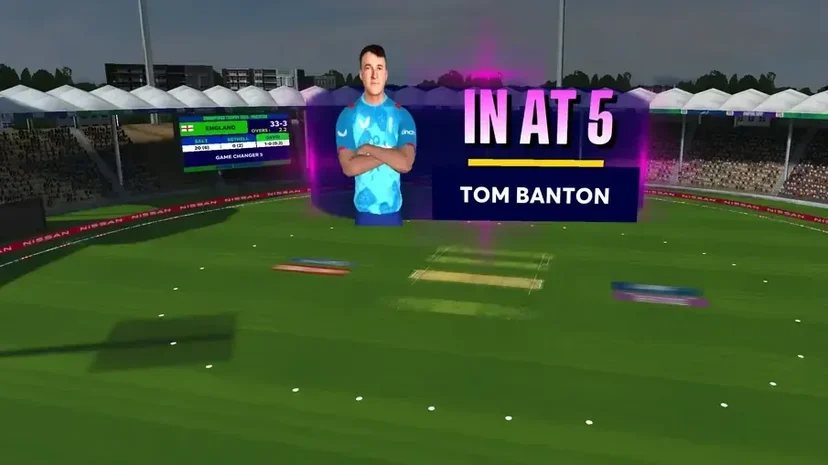
Enhanced graphics
On a monitor, the graphics become clearer, and you will get to see HD visuals. Every shot feels like part of a real match rather than a cricket game.
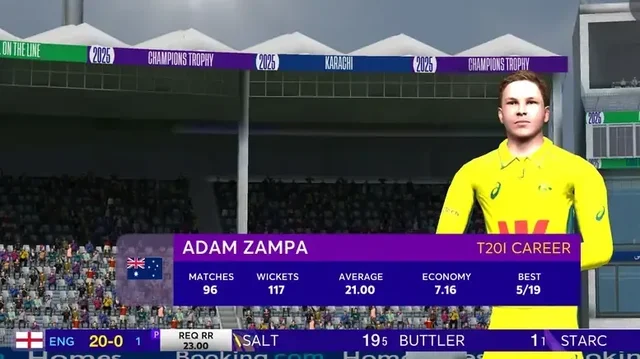
Improved gameplay
The game mechanics are improved and deliver the most realistic gameplay on a large screen. It gives the vibe of a real cricket match with realistic game dynamics and environment.
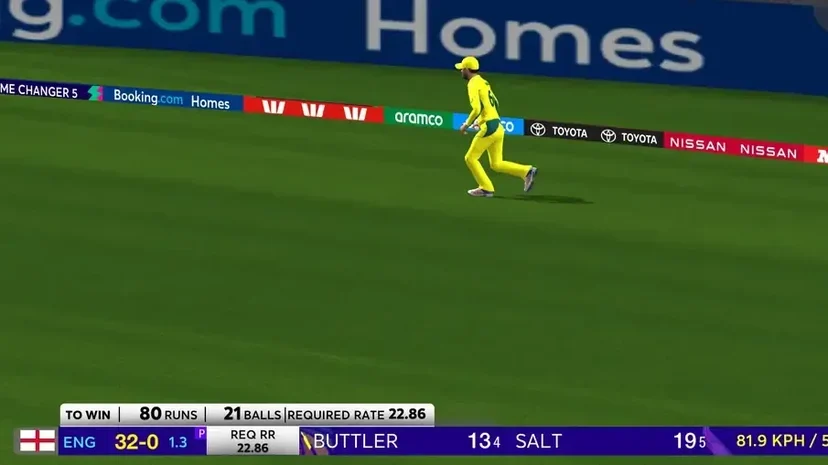
Better controls
When played with a mouse and keyboard, you get better control over each shot, making you a pro player in a short time.
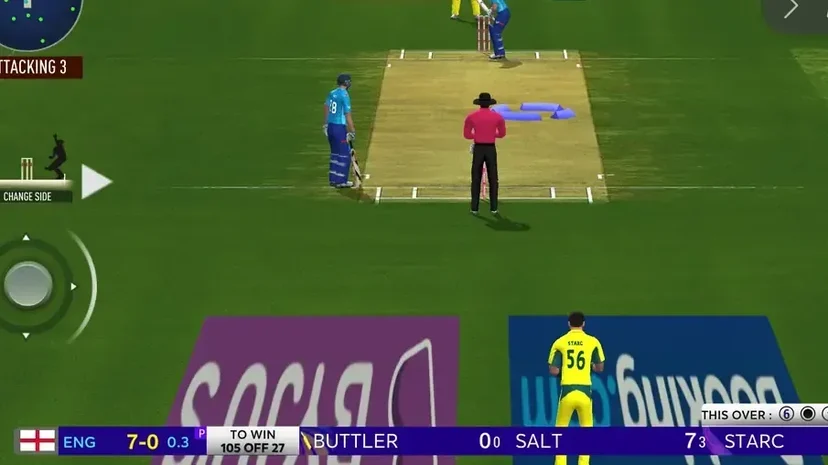
Ad-free game
All this premium gameplay comes with zero ads. You can play the game all day long and won’t even see a single ad on it.
FAQs
Conclusion
Game Changer 5 for PC is the peak cricketing experience for game enthusiasts. Anyone looking for the best cricket game should try Game Changer 5 on PC. The large screen enhances the experience and delivers the ultimate gameplay. So, download it on your PC now and enjoy it yourself.