Game Changer 5 v4.4 Download APK for Android 2026
Want an unrestricted cricket game experience with tons of exclusive features? Download Game Changer 5 now and get a premium gaming experience with your favorite teams and players, plus many more advanced features.
App Info
| Game name | Game Changer 5 |
| Version | v4.4 |
| Category | Sports |
| Android | Android 5.1 or higher |
| App size | 647 MB |
| Last updated | 24 November 2026 |
| Price | Free |
What is Game Changer 5 APK?
Game Changer 5 is a premium cricket game that has tons of remarkable features that no other game offers. Other games like Real Cricket, WCC, and Cricket League have so many ads. Also, they offer limited features and restrictions on gameplay that make playing such games a mere time-pass.
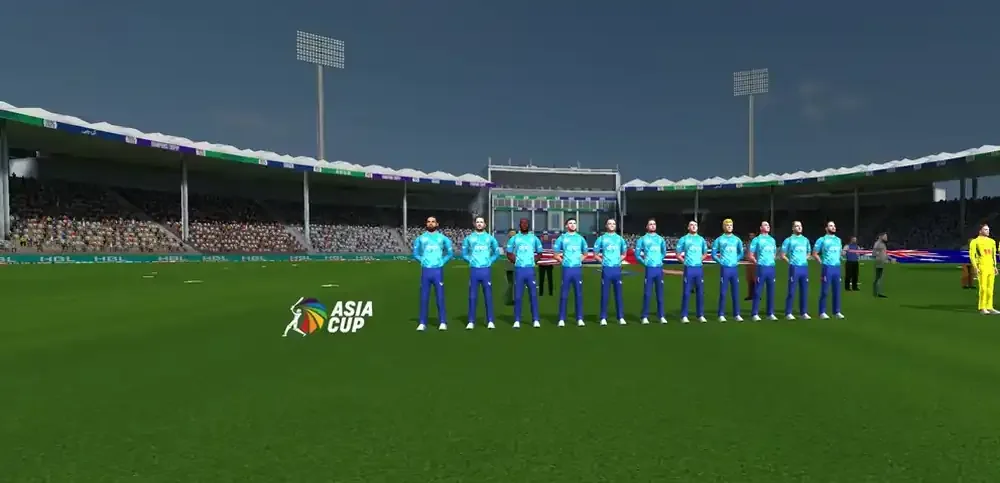
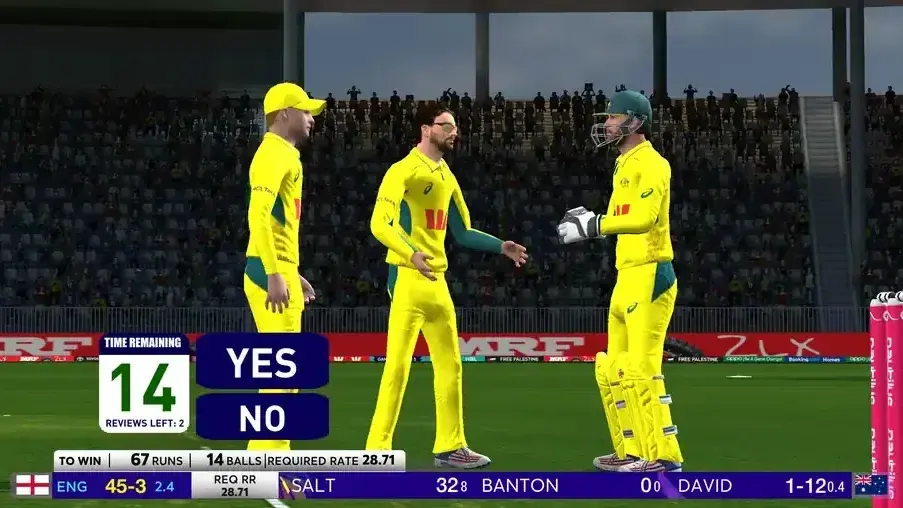
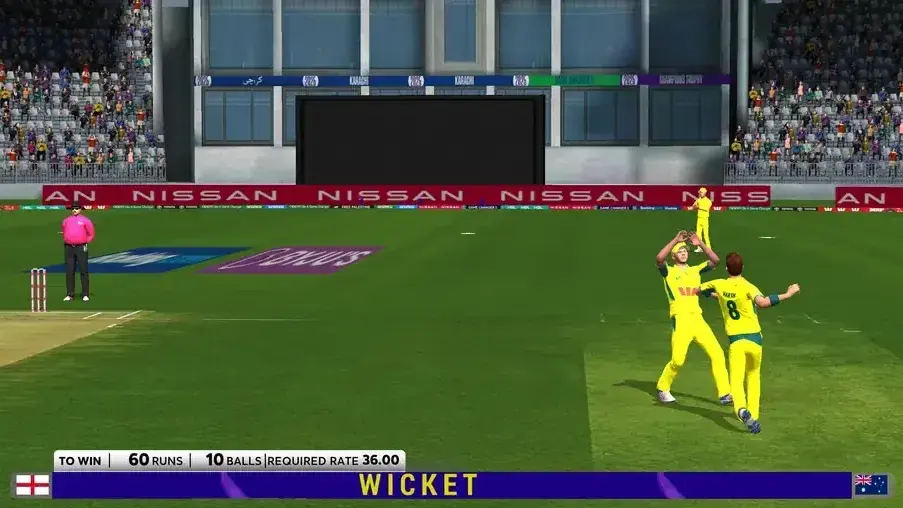
This is where Game Changer 5 comes in with unrestricted gameplay and exclusive features. It comes with 3D stadiums, legendary cricketers, full-fledged squads, and multiple game modes. The game mechanics are extremely realistic, as you can analyze the weather and pitch conditions to make decisions. And it all comes completely offline with zero ads.
So, what are you waiting for? Download the game and experience the most enhanced cricket simulation on your mobile phone now!
Screenshots

How to download and install Game Changer 5 APK
To download the game on your mobile phone, you need to follow these simple steps:
- Click the download button above and download the game’s latest version.
- Now, wait till the APK file downloads.
- Once done, navigate to the downloaded APK file and open it.
- Follow the on-screen prompts and press the Install button.
- The game will install on your phone shortly.
Note: Make sure to enable installation from Unknown Sources to avoid any interruption in the installation.
How to update Game Changer 5 to the latest version
The game is exciting, but you need to update it whenever a new version is released. Auto-updates are not possible, so you have to update it manually. Here’s how to do it:
- Whenever we launch a new version of the game, the older version will lag more often.
- This is your sign to sync your game progress and delete the outdated version.
- After that, visit our website and get the latest version of the game.
- Follow the same installation process and back up your progress to continue from where you left off.
How to use Game Changer 5 on PC
This is a mobile game, but you can try it on your PC using an emulator. Here’s how to get it on your PC for a better gaming experience:
- Firstly, download and launch a reputable emulator like BlueStacks or LDPlayer on your PC.
- Now, visit our website and download Game Changer 5 for PC.
- Once downloaded, copy the APK file and paste it into the emulator. You can also drag and drop the file.
- Now, install the APK file on the emulator by following the on-screen installation prompts.
- The game will install shortly, and you will be able to enjoy the most enhanced cricket experience on your large screen.
Features of Game Changer 5
The game comes with dozens of remarkable features, making it one of the best of its kind. The notable ones are:

Real Teams and Players
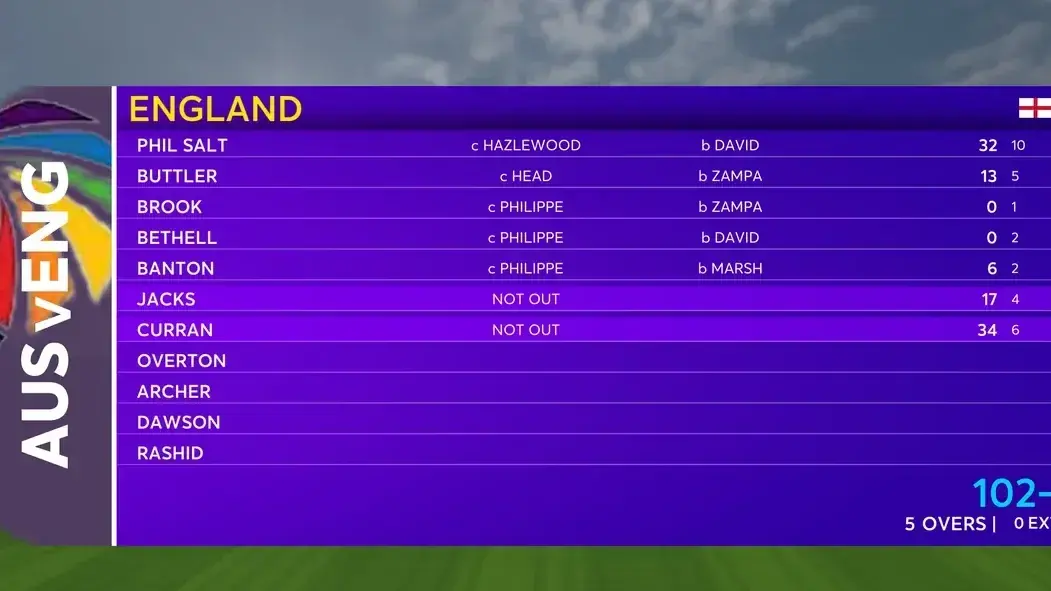
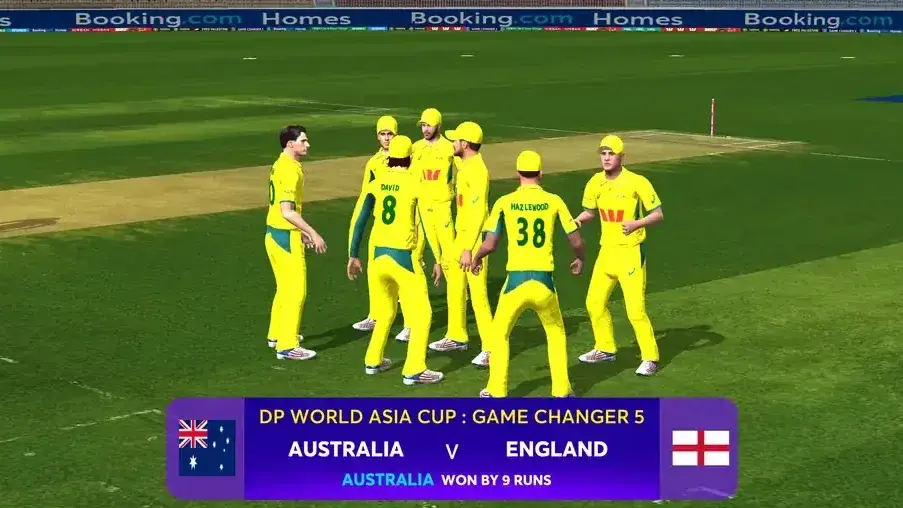
GC 5 features all major international teams and their players. From Virat Kohli to Babar Azam, you can get any player in your team. The facial features and playing style of most players are the same as in real life. To play with legendary players, you can go for Master Teams, where you can play with legends like Tendulkar, Wasim Akram, Viv Richards, etc.
You can play as any full member cricketing nation such as India, Pakistan, Australia, New Zealand, Bangladesh, South Africa, Sri Lanka, England, and West Indies. It also features league tournaments like PSL and IPL.
3D Stadiums
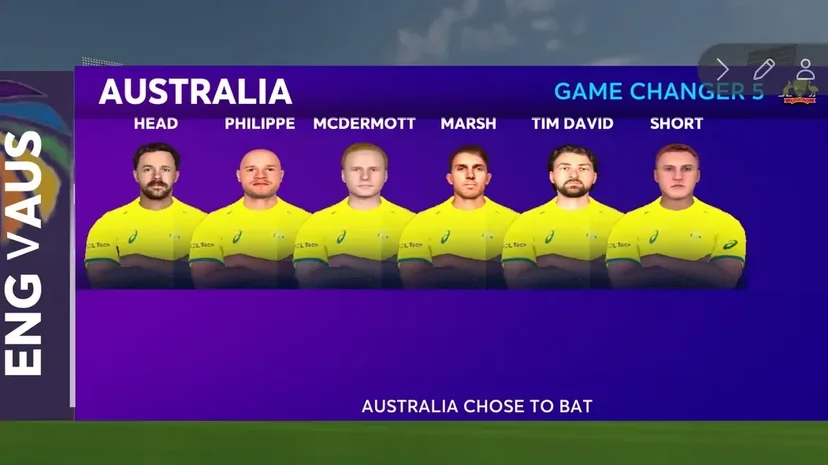
The stadiums are more realistic than ever. There are 40+ venues worldwide to play cricket on. From the Home of Cricket to the MCG, each ground has a unique ambiance. The pitch conditions are also pretty natural for each ground. Some known stadiums in the game are:
- Lord's Cricket Ground (Home of Cricket)
- Melbourne Cricket Ground
- The Oval
- Sydney Cricket Ground
- Narendra Modi Stadium
- Wankhede Stadium
- M. A. Chidambaram Stadium (Chepauk), Chennai
- The Gabba, Brisbane
- National Bank Cricket Arena
- Newlands Cape Town
- Hagley Oval, Christchurch
- Queen's Park Oval, Port of Spain
- Galle International Stadium
- Sher-e-Bangla National Cricket Stadium

Realistic Game Mechanics
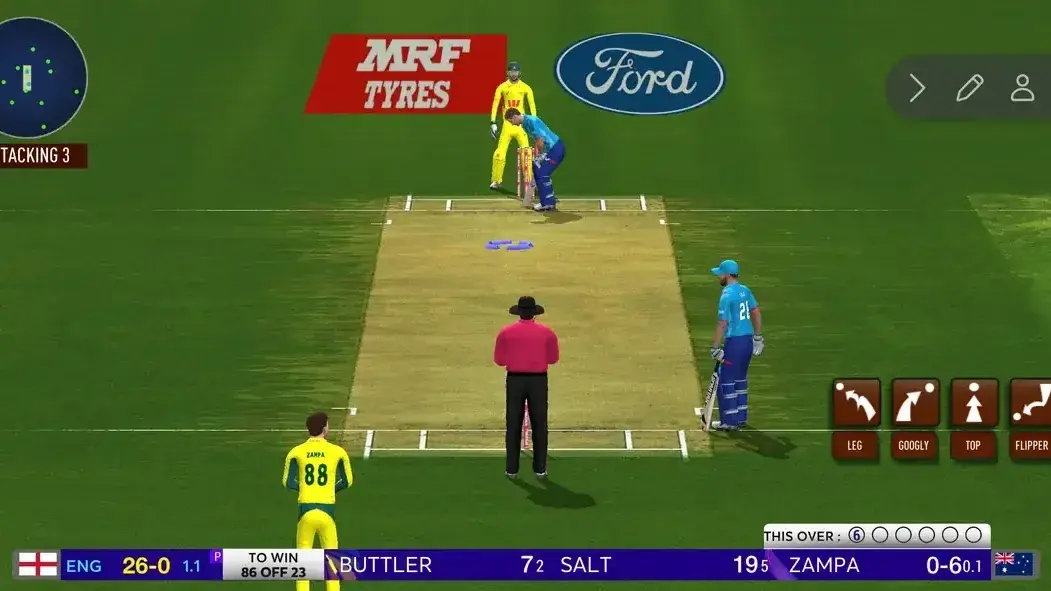
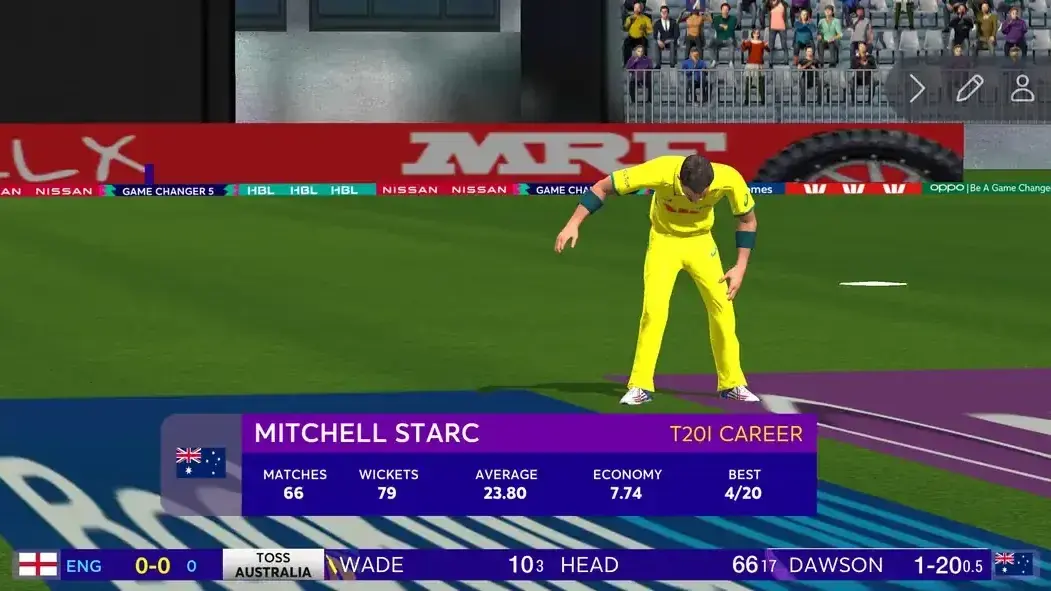
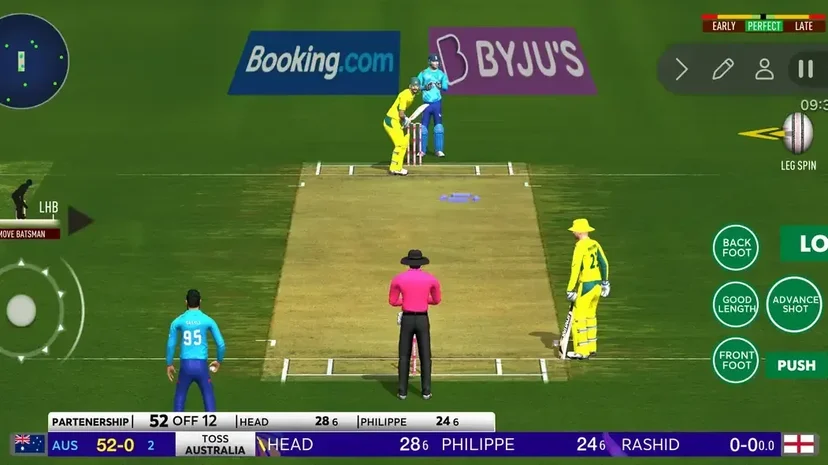
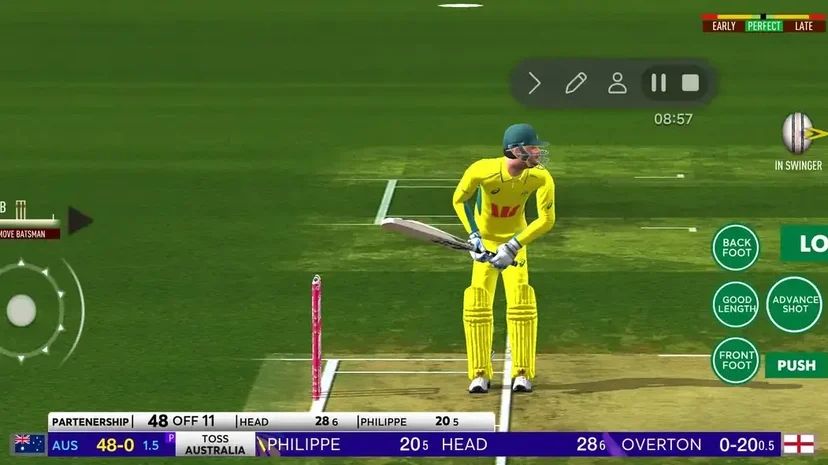
The most impressive aspect of Game Changer 5 is the lifelike game mechanics it follows. Other games in this genre have basic mechanics where every moment of the game feels fake and low-quality. Game Changer 5 focuses on this, and the developer has worked hard to deliver realistic game mechanics. Every ball, movement, and even the bowling action and bat swing seem real in the game's 3D environment.
Many exclusive features, like the timing bar, ensure that your shot is played with complete perfection. You can even choose different shots for each ball with the shot editor. Also, there are over 100 bowling styles and run-ups, which will give you the vibe of a real match rather than a 3D simulation.
Offline Gameplay
The complete gameplay is offline, and no internet is required while playing the game. Everything is pre-downloaded in the game. You just need to download and install it for a seamless cricketing experience.
Multiple Game Modes
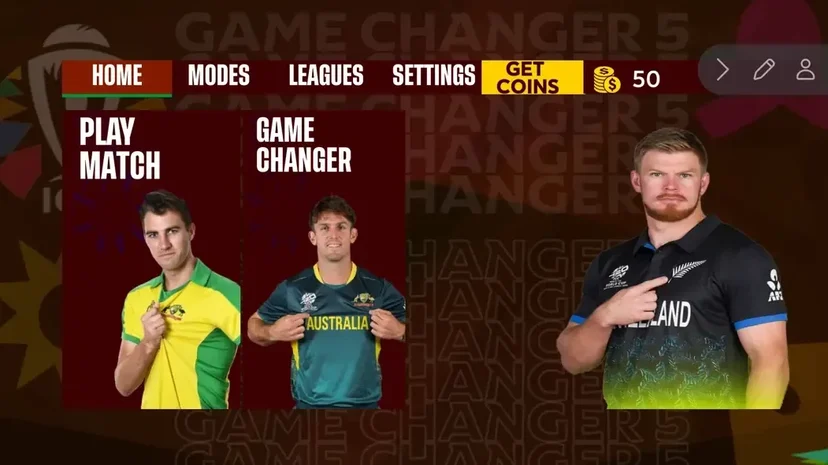
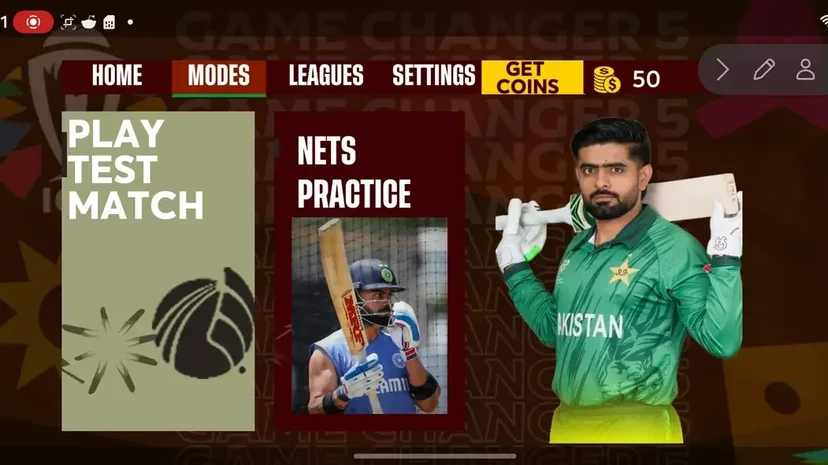
Besides the three formats of cricket, it also features several game modes. These modes include:
- Quick Match: Jump straight into a match
- Masters: You can play with legendary players of the old era like Tendulkar, Jacques Kallis, and McGrath.
- Mix League: Create a mixed squad of players from different teams for a match.
- IPL: Includes all teams from the IPL and the Impact player rule
- BBL: Includes all franchises of the Big Bash League.
- PSL: Includes all PSL franchises
- Associate Nations: You can play with and against the associate nations
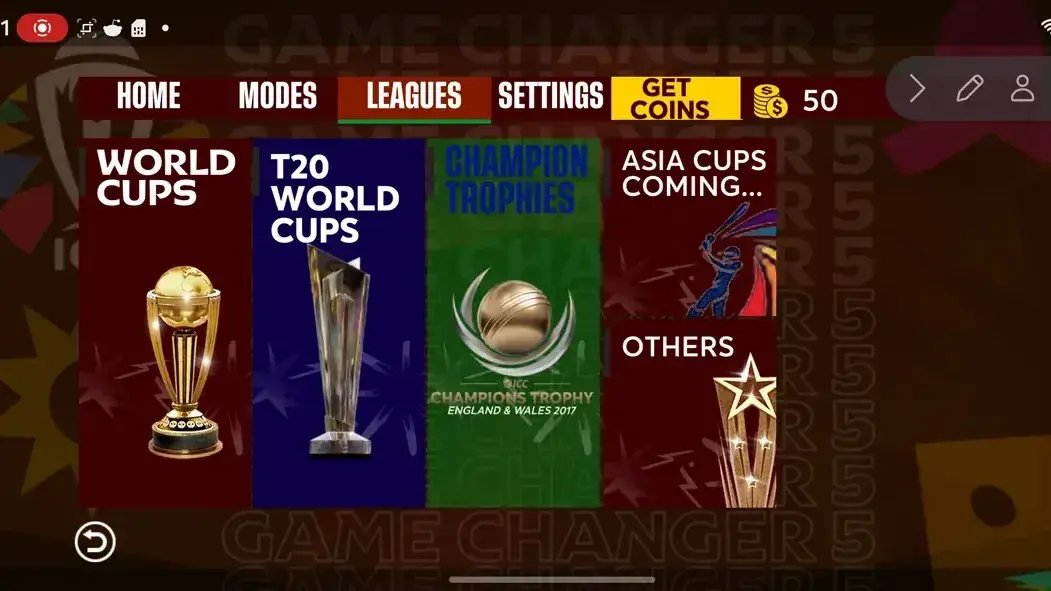
- Tournaments: Besides bilaterals, you can engage in multinational tournaments like the World Cup and Champions Trophy.
- Nets Practice: The best way to understand and master the game mechanics.
Smart AI Opponents
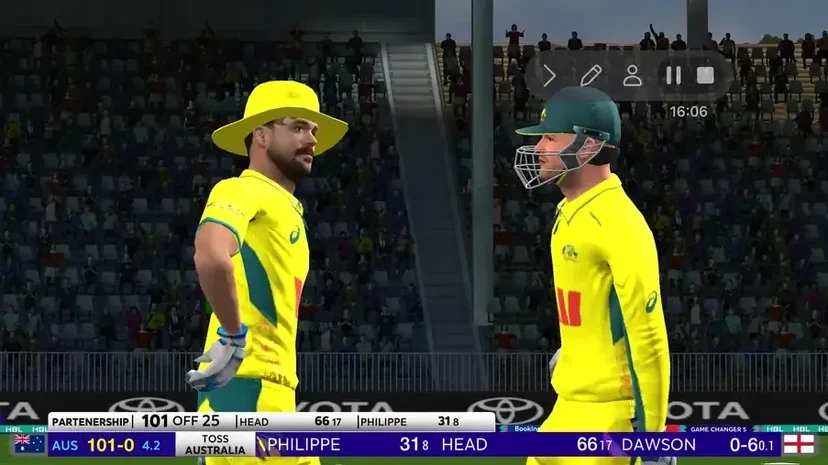
The game never feels boring, as the AI has been trained for this game to make crucial and accurate decisions. This makes it tougher and more exciting to play. Examples of its intelligence are:
- It will defend good balls and wait for a loose one to hit for a boundary
- It will play more aggressively when the required run rate is high
- It also takes quick singles and rotates the strike.
- It analyzes the bowling lineup to target the weaker bowlers.
You can also customize the difficulty from easy to hard before every match. Playing at the hardest level is worth trying, as it offers more challenge and lets you play your best.
Team Lineup and Squad Control
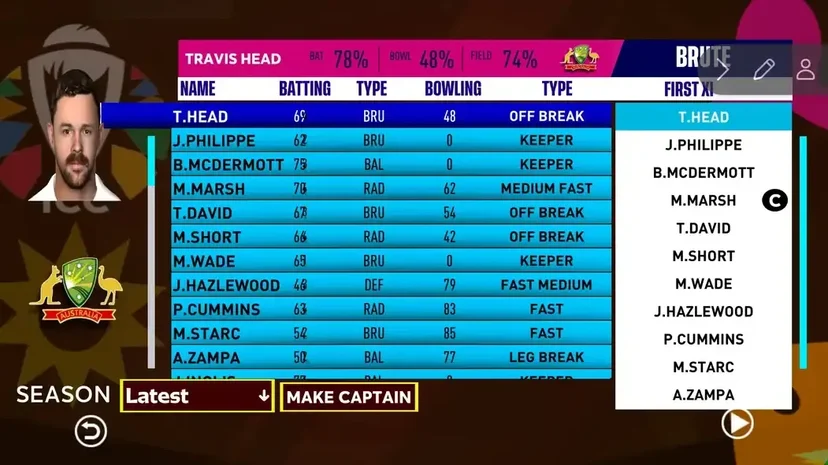
You have full authority over creating a squad and devising a lineup for match day. You can pick the players from your squad and create a perfect XI. Make sure to make a balanced lineup to compete against the tougher teams.
Other squad and player controls include replacing players, editing their names, changing their facial features, and adjusting their role in the team.
Tournament Auctions
To build your own franchise, the game has an auction for IPL. You have a limited purse and a set number of retentions, and you can bid for other players to build your dream team.
The total purse for the auction is ₹120 crore, and you have to make retentions and bids within this limit.

Commentary and TV-Style Broadcast
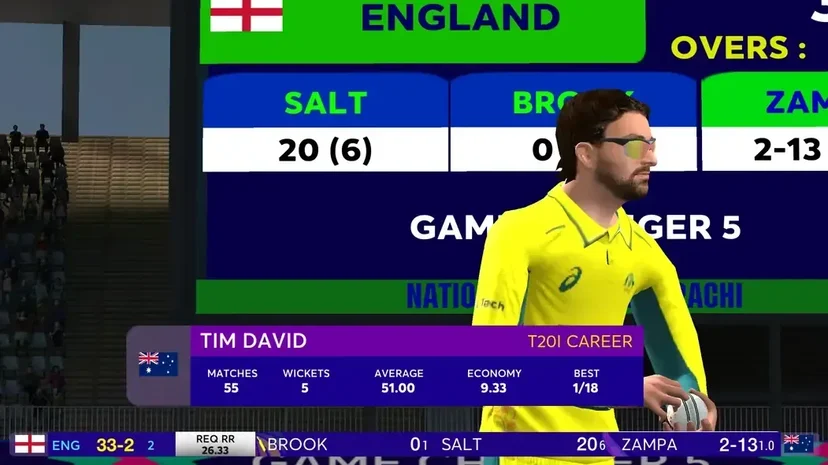
The matches convey the feeling of a live broadcast with realistic commentary and presentations. It features Hindi and English commentary, and both are equally good. You can switch between these languages from the settings anytime.
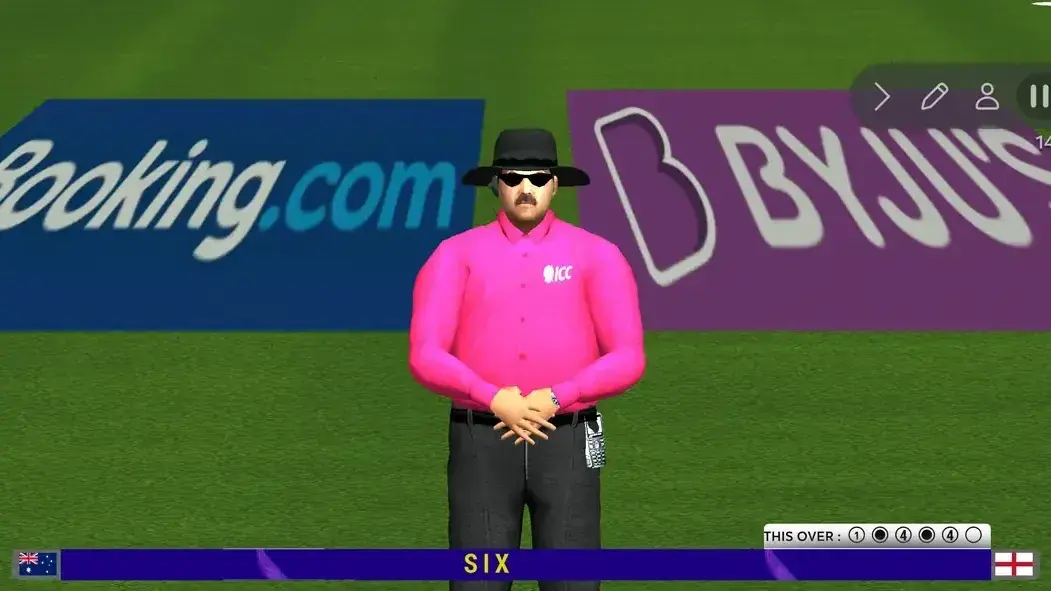
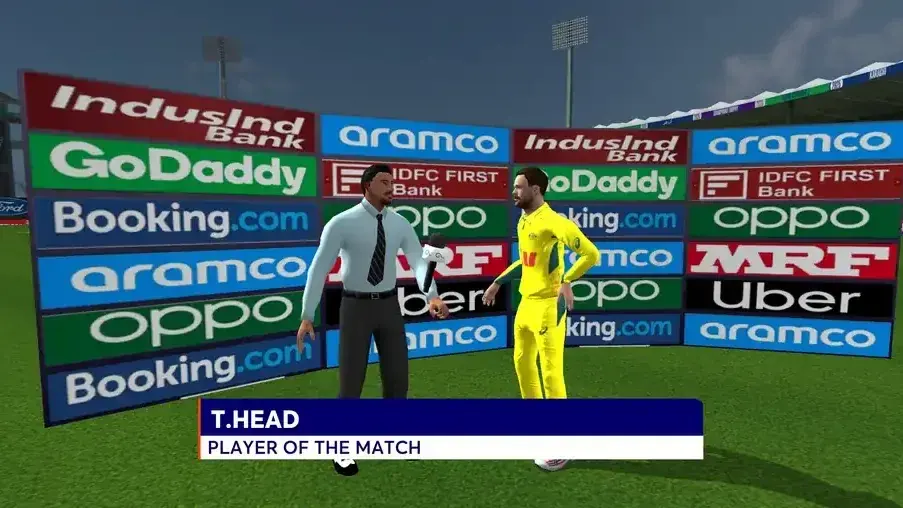
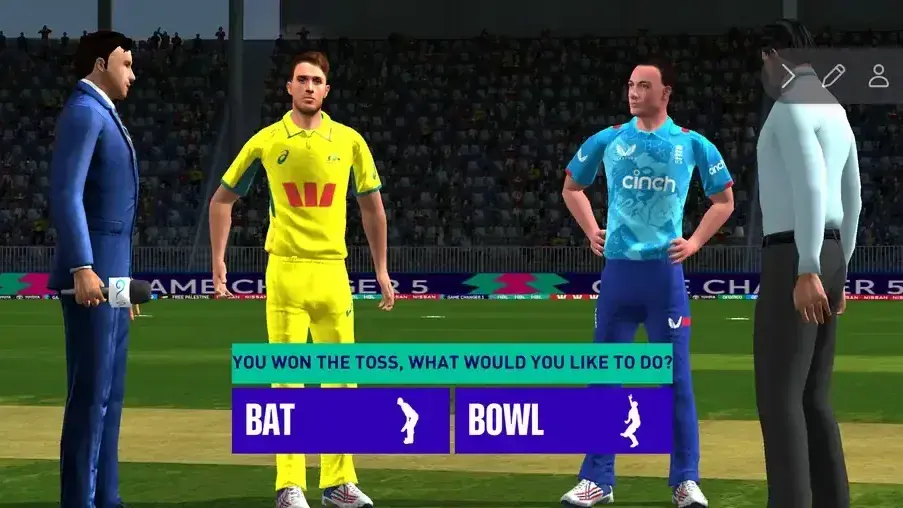
It also features pre- and post-match presentations. Also, all the important aspects like Coin toss, team sheets, replays, third umpire, celebrations, Man of the Match awards, and trophy celebration after winning a title are available in this game.
No Ads
As it is an offline game, there are zero ads in it. You can play the game for hours without encountering a single advertisement.
Pitch Conditions and Weather Dynamics
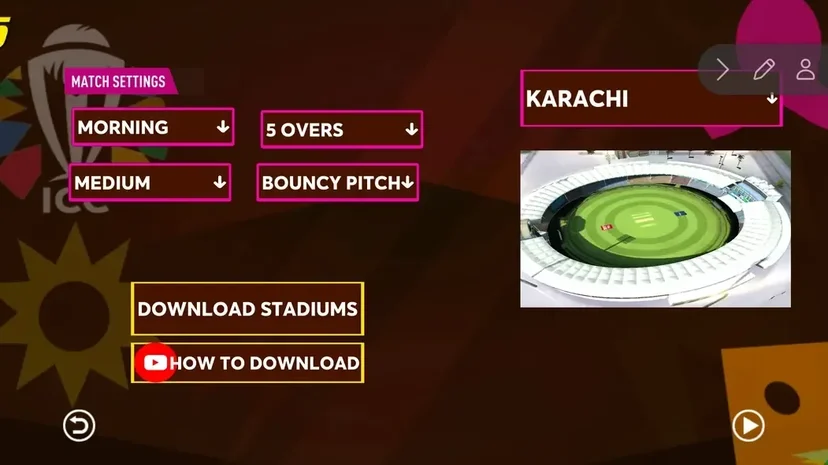
The game dynamics are so real that even the pitch and weather conditions affect the match. A dusty pitch for spinners and a green deck for pacers is more favourable. You need to make decisions precisely to take advantage of the conditions.
You can also choose to play the day or night match, or even a day and night test match.
Game Changer 5 Manager
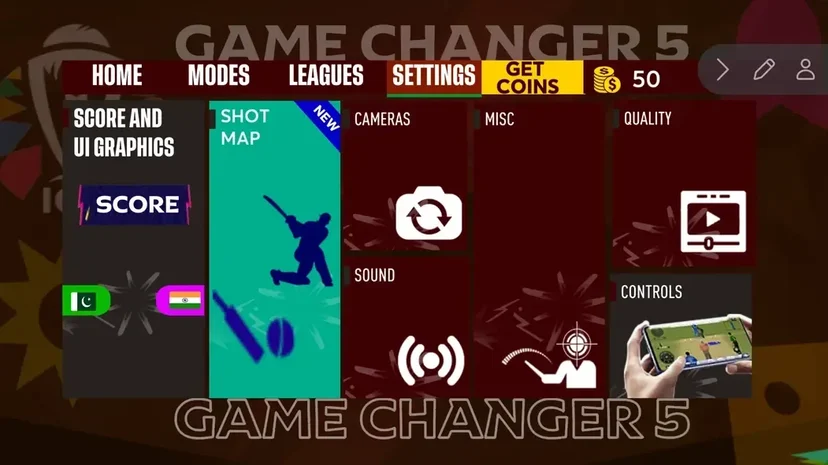
Game Changer 5 Manager is a free patching app to add new components without waiting for the full update by the developers. You can add new stadiums, import team kits, and update squads to fully customize the gameplay.
What’s new in the latest version of Game Changer 5
Version 4.4 is the biggest update with several core changes. Some exclusive features include:
- 400+ players across all teams and real facial features
- 40+ international venues
- New bowling actions
- Enhanced sound effects for batters
- Shot editor to customize the shots
- Hindi commentary with dedicated lines for different grounds
- TV-style scoreboards and title-winning celebrations
- 30-yard circle
- Quick Match modes
- IPL auction with limited purse
- Impact player rule in IPL
Gameplay Tips for Game Changer 5
Some vital gameplay tips that you must understand are listed below:
Batting Tips
- Master your timing by hitting the ball when the bar shows perfect timing. This will lead to the expected shots and boundaries.
- Be cautious at the start and analyze the conditions. Keep the ball on the ground and look for gaps to maximize the runs.
- Play with a straight bat on turning tracks. Cut and pull shots are best for bouncy pitches.
- Use the shot editor to pick the shots for each length.
Bowling Tips
- When bowling as a pacer, use different bowling lengths and vary them with slower balls to create opportunities.
- Bowling wicket to wicket is an effective strategy to create chances of LBW and bowled.
- Make sure to make precise field adjustments. When bowling outside off stump, you need more fielders on the off side. Also, when bowling on leg stump, you need more fielders on the leg side.
- Spinners are more effective in the middle overs, but you can introduce them in the powerplay if the pitch is spin-friendly.
Lineup Tips
- You need a balanced lineup to win the matches. Include dedicated openers, middle-order batters, power hitters, and bowling all-rounders, followed by the full-time bowlers in your lineup for a balanced matchup.
- If you are playing for the first time, then start with the easy mode.
- Nets are the best place to test your player's abilities and learn new shots. Then execute these shots in the match to make quick runs.
Pros and Cons
Pros
- Free-of-cost game
- All major teams and current players
- 40+ global stadiums
- Dedicated IPL circuit from auction to matches
- Hindi commentary that adds excitement to matches
- Regular updates with new and exclusive content
- Ad-free game
- Offline gameplay with customizable difficulty
Cons
- May crash during long sessions
- Update process is manual
- Lags on low-end devices
System Requirements
| Features | Minimum Requirements | Recommended Requirements |
|---|---|---|
| Android | Android 5.1 | Android 8.0 or higher |
| RAM | 2 GB | 4 GB or more |
| Free Space | 2 GB | 3 GB or more |
| Processor | Quad-core | Octa-core |
| Internet | Required to download the game | Required to download the game |
Conclusion
Game Changer 5 is a premium mobile game for cricket enthusiasts. It delivers the most realistic gaming experience with top-tier teams and players. You can even play leagues like IPL, PSL, and BBL with complete and updated squads. The game dynamics feel very real, and every ball feels like a real cricket match. Most importantly, the complete match is free of annoying ads.
So, download GC 5 APK now and experience the most compelling cricket simulation on mobile.